
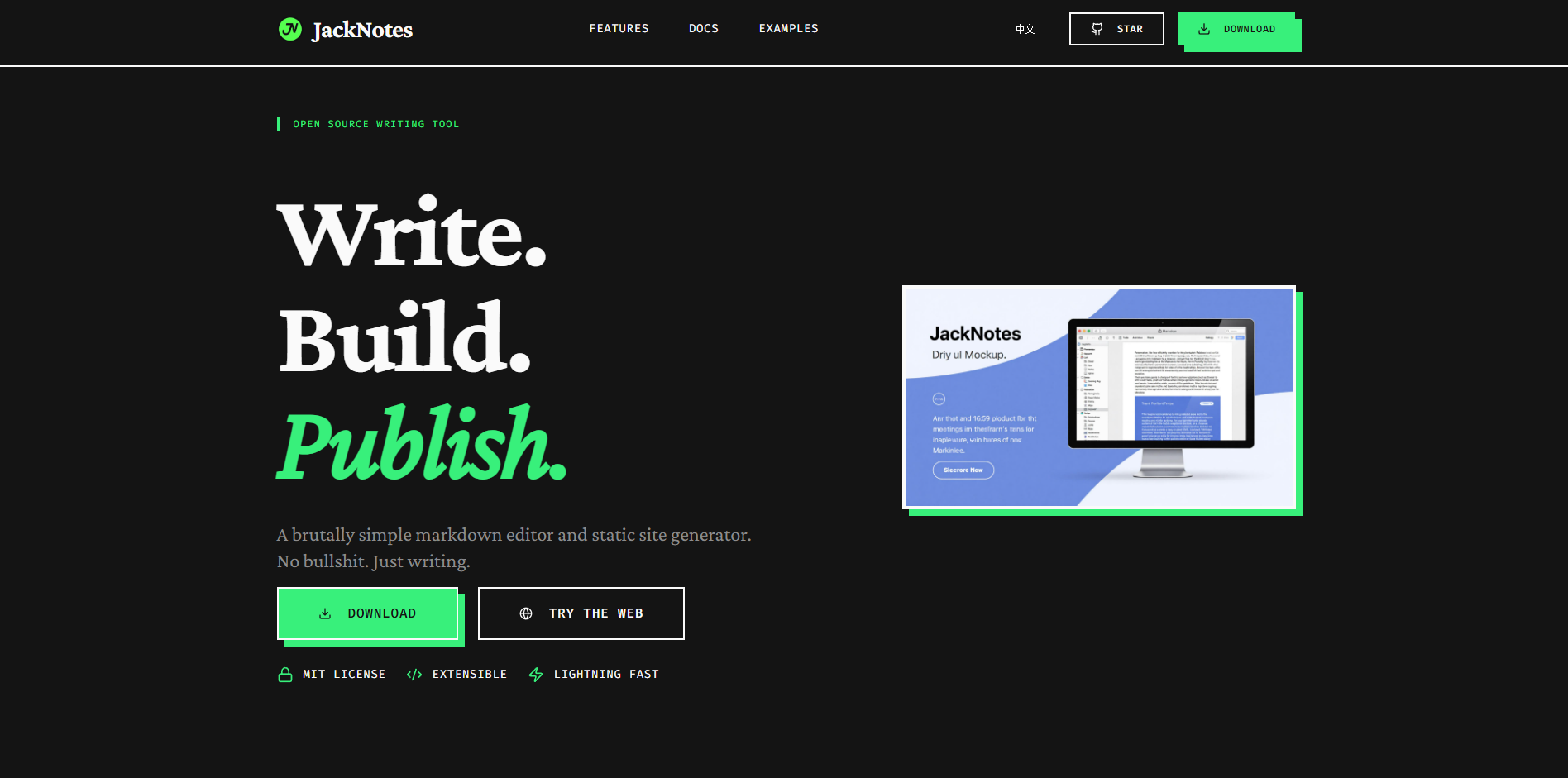

JackNotes is a lightweight static blogging platform designed for creators, aiming to provide a clean and efficient writing and deployment experience. Whether you’re a tech blogger, an individual creator, or a user looking to share your experiences, JackNotes can help you quickly build your own blog.
Visit the JackNotes website: https://jacknotes.dev
What is JackNotes?
JackNotes is an open-source static blogging platform that provides clean writing and blog management tools. It supports Markdown format, making it easy to write articles, and also integrates a powerful deployment system, allowing you to publish your blog directly to GitHub Pages or other static hosting platforms.
Key Features:
Markdown Editing: Easily write articles, supporting rich text formatting, code blocks, images, etc.
One-Click Deployment: Deploy to GitHub Pages, Netlify, Vercel, Coding Pages, Gitee Pages, WordPress, or SFTP, automatically publishing your blog content to the internet.
Custom Themes: You can choose or create a blog theme that matches your style, personalizing your blog. Extended Support: JackNotes offers a theme system that allows for easy expansion of functionality, such as a comment system and social sharing buttons.
Open Source Project: You can access the GitHub repository to view the source code and contribute your ideas and improvements.
Advantages of JackNotes
Simple and Easy-to-Use Editor: JackNotes provides an intuitive Markdown editor, allowing you to focus on content creation without worrying about cumbersome HTML tags. You can quickly generate well-structured articles with the simplest formatting.
Quick Deployment: Through GitHub Pages integration, JackNotes lets you publish your blog content online in just a few simple steps, without needing to set up your own server.
High Performance and Low Maintenance: Static blogs do not rely on a database, so there are no concerns about security, performance, or database management. You only need to focus on the content and design of your blog.
Fully Customizable Look and Functionality: JackNotes offers robust theme support, allowing you to customize your blog’s style, layout, color scheme, and even add more functionality through plugins.
How to Get Started with JackNotes?
- Get and Install JackNotes
First, you can clone the source code from the JackNotes GitHub repository and run it locally.
You can also visit the official website https://jacknotes.dev for more detailed information on installation and usage.
- Configure Your Blog
The configuration file is very simple. You can set basic information such as blog name, author information, and blog description in config.json. You can also choose your favorite theme in the themes folder or customize it according to your needs.
- Writing and Publishing
Write articles using the built-in Markdown editor. After editing, commit using Git and push to the GitHub repository. Through GitHub Pages, you can easily publish your articles to the internet.
- Customize Features
JackNotes supports installing plugins and customizing features, such as integrating a Gitalk comment system and social media sharing buttons. You can extend the blog’s functionality according to your personal needs.
GitHub Project Address
GitHub Repository: https://github.com/jacksnotes/JackNotes
Through GitHub, you can access the latest source code, participate in development, or provide suggestions for improvement. If you want to build your own blog, GitHub Pages is the best choice.
Conclusion
JackNotes is a lightweight, efficient, and fully customizable static blogging platform suitable for tech bloggers and creators. It’s simple, easy to use, and quick to deploy, making it a blogging solution for everyone. If you’re looking for a clean and powerful way to showcase your work, JackNotes is definitely worth trying.
This is a fantastic idea! Building your own static blog platform gives you complete control over your content and design. I love how lightweight and customizable it is. Perfect for developers who want a simple yet powerful blogging solution.
Oh great, another tool to add to the endless pile of SSGs. I just spent three days migrating my site to Astro last month! What actually makes this one worth the hassle? Does it handle Markdown rendering any faster, or is it just another reinvented wheel?
Haha, the username definitely checks out with that heavily modded Hugo setup! Guilty as charged on reinventing the wheel, but it’s a fun ride. Enjoy tearing apart the routing logic, and let me know what you think!
Another SSG? Why do we keep reinventing the wheel when Astro and Hugo already exist? I’ll bite, but I really hope this actually handles markdown routing seamlessly and isn’t just another weekend project dumped on GitHub to die.
Yet another SSG? We already have Hugo and Astro dominating this space. Unless this thing compiles in absolute milliseconds and handles image optimization out-of-the-box without fighting messy configs, I really don’t see the point of migrating my setup. Show me the benchmarks!
why write a whole new engine when 11ty and hugo exist? unless this parses 10k markdown files in under a second it feels like reinventing the wheel. ui looks clean tho, might check the repo later.
looks clean. does this support dark mode out of the box? i’ve been looking for something simple to host on github pages.
Hey m_vance, glad you like the clean look! Yes, dark mode is baked right in by default. It’s also perfectly suited for GitHub Pages—just push your repo and you’re good to go. Give it a spin!
seems okay for small stuff, but what about asset minification? i don’t want to manually run scripts for css/js every time i deploy. if it’s baked in, i’ll try it.
Looks clean. Is there a demo site I can click around in? Want to see how the typography looks on mobile before I clone the repo. Cool.
Hey sam_tk, thanks! You can play around with the live demo here: [Demo Link]. I totally get checking the mobile typography first—I spent hours tweaking those exact media queries for readability. Let me know how it looks on your device!
Interesting project. I’ve been stuck on Hugo for my personal site since like 2023, but honestly configuring some of those themes is still a pain. Does JackNotes handle markdown out of the box without needing a PhD in routing? Might give it a test run this weekend if the docs are decent.
Love the minimalist approach here. Honestly, with how bloated most modern frameworks have become lately, going back to a clean static setup feels like a breath of fresh air. Does it support custom hooks for deployment, or are we sticking to basic git actions for now? Good stuff.
Honestly, after dealing with the bloat in some of the newer frameworks lately, going back to a custom lightweight static setup like this feels like a breath of fresh air. I’m curious though, did you stick with a basic client-side search or are you leaning on something external? Might fork this over the weekend to play around with the templating. Cheers.
Just poked around the source. Honestly, it’s refreshing to see something that doesn’t try to reinvent the wheel with fifty different JS dependencies. I’ve been looking to migrate off my bloated Next.js setup lately—SSR is starting to feel like total overkill for a simple personal site. Does this handle LaTeX math blocks natively, or do I still need to shim in KaTeX?
Just saw this on my feed. Honestly, after the whole “plugin bloat” era we’ve been dealing with lately, going back to a simple static setup feels like the only sane choice in 2026. Is JackNotes using a Go-based engine or something else? I’m tired of node_modules taking up half my drive for a simple blog. Clean work on the UI, by the way.
Finally, someone focusing on ‘lightweight’ again. I’m getting sick of these modern frameworks needing half a gig of dependencies just to render a markdown file. How does this handle large image assets? I’ve been looking for something to replace my old Hugo setup for a while now.
Thanks Alex! It handles large images by lazy-loading and generating responsive thumbnails automatically. No 500MB dependency hell here – just a lightweight Go binary that runs anywhere. Happy to help you migrate from Hugo!
Honestly, I’ve been looking for something exactly like this. Hugo and Jekyll are fine, but they’ve started feeling a bit “over-engineered” for just quick technical snippets and personal notes. Does JackNotes handle local image optimization well, or do I need to pre-process them? I’m trying to strip down my workflow this year and get back to basics. Nice work on keeping it lightweight.