

Modern creators often find themselves trapped in a contradictory cycle: despite having countless brilliant ideas in their minds, they are slowed down by tedious operations, endless revisions, and scattered information. Have you ever stared at a blank document late at night, feeling anxious yet unable to find a starting point? Or after dumping a pile of assets into editing software, discovered you spent three hours just tweaking a subtitle’s color? This feeling of being devoured by inefficiency not only steals time, but also quietly erodes creative passion.
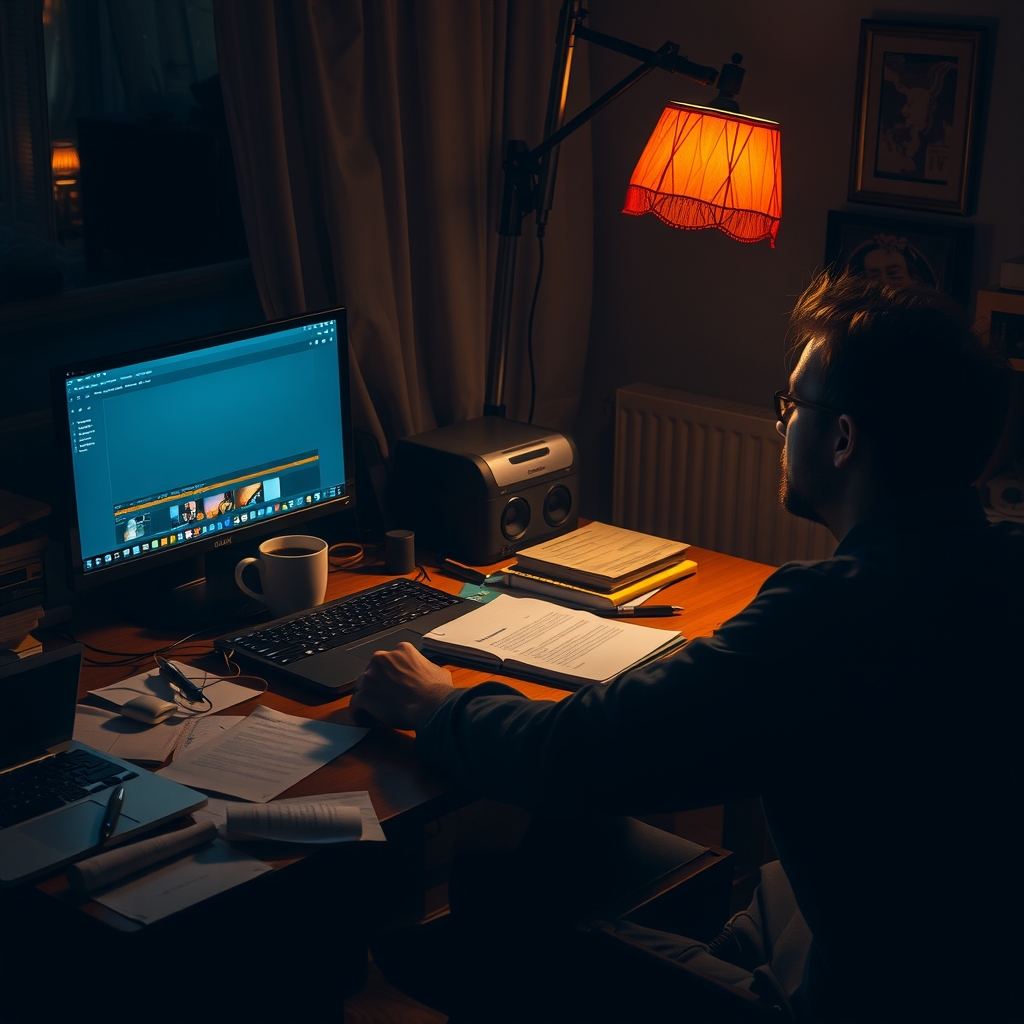
The first category of tools focuses on text generation and polishing. Take, for example, a writing assistant powered by large language models: it not only offers continuation suggestions when you’re stuck, but also adjusts tone to suit different platforms—from formal business proposals to lively social media copy—seamlessly. Moreover, it can distill key data points from massive industry reports, helping you embed solid evidence into your arguments without having to sift through dozens of PDF pages yourself. In a real‑world case, an independent blogger using such tools increased weekly output from three articles to eight, while the average editing time per article was cut by nearly half an hour.

In the realm of image creation, AI drawing platforms have evolved from simple filters into creative partners capable of understanding semantic instructions. You merely need to type “future city nightscape, neon lights reflecting on wet stone pavement,” and the system can generate multiple composition variations within seconds, even applying style transfer based on an artist you specify. For designers who need to produce concept drafts quickly, this means no more spending hours hand‑sketching; instead, they can refine and adjust directly on the AI‑generated base. One advertising agency’s case study showed that, when producing a series of client posters, using AI‑generated drafts cut the post‑production artists’ workload by 40%, and creative meetings became more focused on strategy rather than execution details.

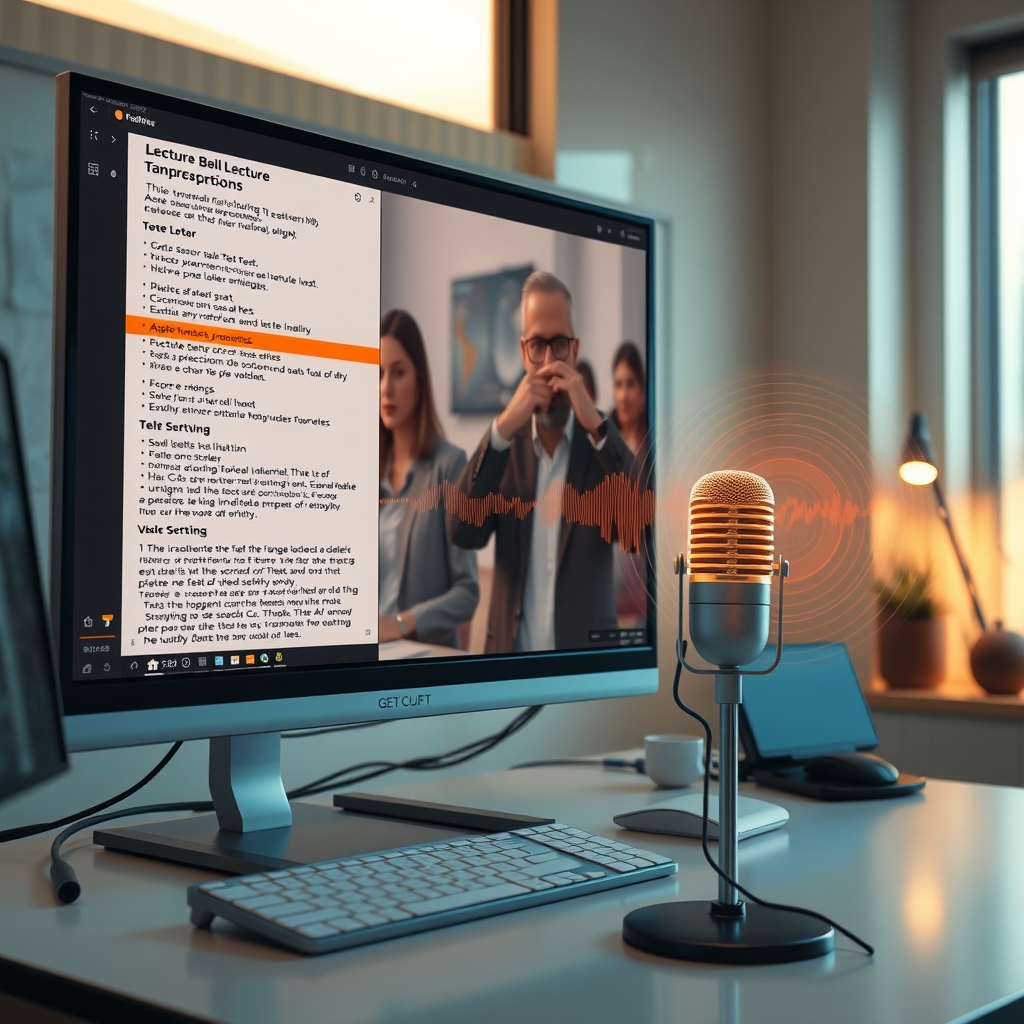
The audio‑video domain has likewise been deeply reshaped by AI. For instance, a platform that integrates transcription, editing, and mixing can automatically convert a recorded lecture into a searchable transcript, allowing you to delete redundant sentences directly in the text, with the corresponding video segments trimmed in sync. This not only spares you the hassle of repeatedly scrubbing timelines, but also makes precise editing as intuitive as editing a document. Another tool, leveraging generative adversarial networks, can clone your voice from just a few seconds of sample audio and generate multilingual voice‑overs—a veritable revolution for cross‑border training videos that need rapid localization. After adopting such technology, an online education provider shortened its course‑update cycle from two months to three weeks, and learners’ satisfaction with content freshness surged significantly.
In project management and collaboration, AI is beginning to act as an “invisible assistant.” After a well‑known note‑taking app added AI capabilities, it can automatically generate a to‑do list from your meeting recordings, intelligently assign tasks to team members, and even predict which tasks might be delayed due to resource conflicts. All you need to do after a meeting is review the AI‑curated summary to know exactly what comes next—no more wading through lengthy recordings or scattered chat logs. Some whiteboard tools also feature built‑in AI drawing and flowchart generation; when you verbally describe a process during a discussion, they instantly turn your words into visual diagrams. This is especially valuable in cross‑departmental brainstorming sessions, as it quickly transforms abstract ideas into a shared visual language that everyone can understand.

—— END ——
I tried a couple of the tools listed, especially the AI-assisted sketch generator—it saved me hours on my last project. The list is handy, though I wish there were more details on pricing tiers for freelancers.
I gave a couple of these tools a spin yesterday and the AI-powered copy assistant cut my drafting time in half. Solid roundup!
Just finished reading the list and tried out Runway ML for video edits—its real‑time effects saved me hours on a client project this week. The section on prompt‑engineering tools was especially useful; I’ve started integrating Promptist into my brainstorming routine. Thanks for the practical roundup!
Solid list, but honestly surprised Notion AI didn’t make the cut — replaced my separate note-taking + drafting setup entirely this year. Anyone actually using the video tools (Runway/Pika) for client work yet? Last I checked the consistency still kills the timeline.
Really useful list! I’ve been using Midjourney and Notion AI for my design workflow, and the article saved me time searching for new ones. Thanks!
I’ve tried a few of the tools mentioned—especially the prompt‑assistant and the image‑generator—and they genuinely cut down the time I spend on rough drafts. The workflow tips in the article are practical, not just hype. Thanks for the list!
I’ve tried a few of the tools listed, especially the AI‑driven sketch assistant; it cut my ideation time in half. The list is handy, though I wish there were more details on pricing tiers for freelancers.
Really useful roundup! I’ve been trying Runway ML for video edits this month and it saved me hours. The list matches what I’ve been seeing in indie creator forums. Thanks for compiling.
I’ve tried a few of the tools listed, especially the AI-assisted sketching one; it genuinely speeds up my workflow, though I wish the integration with Photoshop was smoother. As of October 2026, it’s nice to see more creators sharing practical tips like this.
Nice roundup! I’ve been using a couple of these tools and they really speed up my workflow. Thanks for sharing.
Really enjoyed the roundup—especially the sections on Midjourney and Notion AI. I’ve been experimenting with both in my design workflow and noticed a noticeable boost in idea generation. Thanks for putting this together!
I’ve tried a few of those tools, especially the ones for prompt‑assisted drafting. They really cut down the time I spend on brainstorming, though the UI could be smoother on mobile.
Really liked the list, especially the part about Midjourney and Notion AI. Tried a couple last week and they saved me hours on design drafts. Thanks for compiling!
I gave a couple of the tools a spin—especially the AI sketching assistant and the prompt optimizer—and they shaved about 30% off my usual workflow. Solid list; would be great to see more real‑world case studies added later.
I’ve tried a few of the tools listed, especially the AI-assisted sketching app; it speeds up ideation but sometimes over-suggests, making me second-guess. Still worth experimenting with.