

Apple’s ecosystem is no longer just a pile of hardware; it’s an invisible web. Files on a MacBook can instantly appear on iPhone via Handoff, Apple Watch can directly unlock Mac, and even AirPods automatically switch between devices—these details make daily use exceptionally smooth.
Not to mention the apps you’ve purchased, subscribed services, and iCloud backups. Migrating means you’d have to repurchase or download a large amount of content; if family sharing, purchase records, and subscription bindings were moved to another platform, the money and time already spent would become sunk costs.
Thus, even with more tempting hardware specs, many young people silently calculate: switching away from iPhone means rebuilding an entire set of usage habits and service ecosystem, and such a ‘restart’ often feels more daunting than a simple hardware upgrade.
Apple has long provided lengthy software support for older models. Even an iPhone 8, released over five years ago, still receives the latest iOS security patches and feature improvements—a rarity in the Android camp.
Long-term system updates not only mean you can keep using the latest apps, but also ensure the device retains basic protection against phishing, malware, and other threats. For budget-conscious young users who don’t want to shoulder security risks, this is undoubtedly an important consideration.
In contrast, hardware upgrades often boil down to a numbers game of camera megapixels and processor frequencies. In everyday scenarios like streaming video, chatting, and document processing, a few‑year‑old device still meets needs, making ‘performance overkill’ lead many to feel upgrading is unnecessary.
Environmental concerns are gaining traction among younger generations. The cost of processing electronic waste and the consumption of natural resources are prompting more people to ask: Is it really necessary to replace a phone every one or two years?
Apple has recently launched recycling programs and promoted the use of renewable materials; while these efforts may not fully offset the carbon footprint of manufacturing, they at least give users a conceptual justification for ‘extending the device’s lifespan as much as possible.’
When personal values align with consumption behavior, continuing to use an old device is no longer seen as outdated but as a practical enactment of sustainability. This psychological sense of identification often strengthens users’ resolve not to upgrade more effectively than any ad.
Want to give your old iPhone a second wind? Shortcuts is an indispensable tool. By creating or downloading community‑shared shortcuts, you can one‑tap a ‘morning routine’—open the weather, play your favorite playlist, even send your location to family—saving tedious clicks.
Moreover, iOS’s Focus mode combined with Widgets lets the home screen switch automatically based on context. At work it shows only the calendar and to‑do list; at rest it displays a photo collection and music controls—this not only boosts information‑gathering efficiency but also makes using an older device feel more personalized.
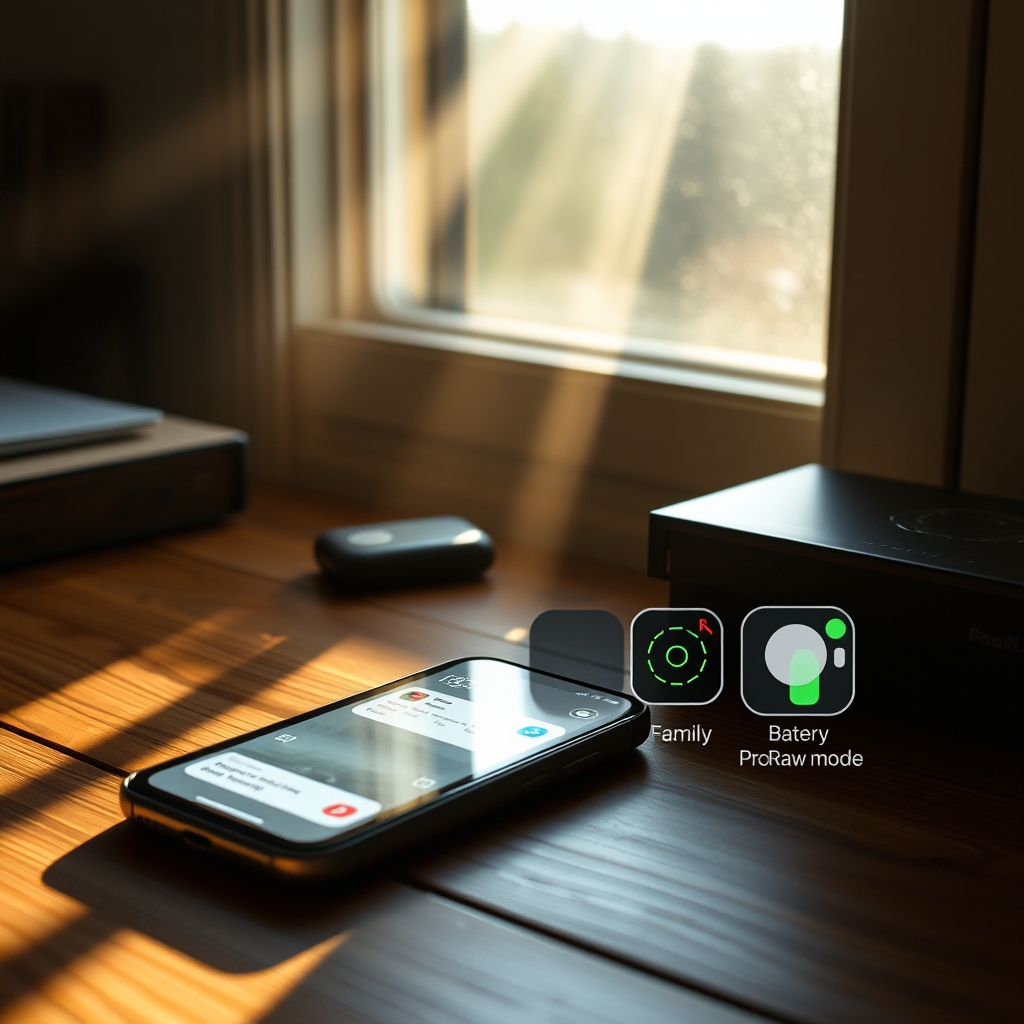
Lastly, don’t overlook battery‑health management and advanced camera tricks. Enabling ‘Optimized Battery Charging’ slows aging; turning on ProRAW or ProRes in camera settings lets even a several‑year‑old model capture professional‑grade footage with editing headroom. These small tricks may seem minor, but together they keep an old iPhone competitive in daily use.
—— END ——
I’ve noticed that many of my friends stick with their iPhone mainly because of the seamless continuity with Mac and iPad, not just the hardware. The article’s tips on using Shortcuts to automate daily tasks are handy, though I wish it dove deeper into privacy settings.
Thanks, AlexChen! You’re spot‑on about the Apple ecosystem glue. I’ll consider a deeper dive on privacy settings in a future post—stay tuned!
I’ve been holding onto my iPhone 13 for a while now; the ecosystem lock‑in is real, but I’m curious if the new iOS 18 features actually make upgrading worth it for daily use.
Really enjoyed the tips on using Shortcuts to automate daily tasks. I’ve been trying to set up a morning routine and the battery-saving tricks helped me stretch my iPhone’s life through the workday. Thanks for sharing!
Solid article! I agree the ecosystem keeps many young users glued to iPhone, though I see a lot of friends jumping to Android for the flexibility and lower cost. The tips on shortcuts and widgets are handy though.
The article gave some handy iPhone tricks—especially the Back Tap shortcuts. I’ve been trying to use them more, but I’m still noticing battery drops after the latest iOS update. Does anyone have tweaks to mitigate that?
Nice article, the tip about using the back‑tap for quick actions is actually useful. I set it up this morning and it’s already speeding up my workflow.
I found the battery optimization tips pretty handy; I’ve been applying them to my iPhone 14 and noticed it lasts longer between charges. Good read!
I get why many stick with iPhone—apps, photos, and the whole ecosystem make switching feel like a hassle. Even with Android improvements, the seamless handoff between Mac and iPhone is hard to beat for daily use.
Pretty solid rundown of iPhone tricks—especially the hidden camera gestures. I’ve been trying the back‑tap shortcut and it actually speeds up my workflow. Thanks for sharing!
The battery-saving tricks were actually helpful—I’ve been trying to tweak background app refresh and it’s made a noticeable difference. Still curious how much the ecosystem really holds younger folks back when price and features often drive switches.
Honestly the ecosystem glue is the only reason I’m still here. Tried a Pixel 9 Pro last year for the camera but missed AirDrop/Continuity too much. Switched back in two weeks. Hardware feels stagnant lately though, 17 better bring something new besides AI.
I’ve been using iPhone since the 12 series, and the seamless handoff between my Mac and iPhone keeps me from jumping ship. The article’s tips on using Shortcuts to automate backups are actually handy—tried the one for photo upload to iCloud and it saved me a few taps each day. Still, the price of new models makes me hold onto my current phone a bit longer.
Honestly the green bubble stigma is basically dead since RCS rolled out properly. What actually traps me now is the Authenticator app migration nightmare and my Watch data. Tried a Fold 6 last year, lasted two weeks. The ‘ecosystem’ isn’t apps anymore, it’s the sheer friction of moving 2FA keys and health history. Apple knows exactly where the moat is.
I’ve been using the same iPhone for three years and these tips actually helped me squeeze out a bit more battery life without buying a new one. Thanks for the practical breakdown.
Really liked the breakdown of the continuity features—especially the handoff tips. Made me reconsider keeping my old iPhone as a secondary device for AirDrop. Thanks!
I found the tips about using Shortcuts to automate daily tasks really useful — makes me think twice before switching. Still love the seamless handoff between my Mac and iPhone.
Really liked the tips on using Shortcuts to automate daily routines. I’ve been trying to reduce app switching and the widget suggestions helped a lot. Thanks for the practical advice!
I’ve been holding onto my iPhone 13 because the seamless handoff with my Mac and iPad still feels unbeatable. The article’s tips on optimizing battery and using shortcuts are helpful, but I wonder if the real lock‑in is more about the apps we’ve invested in than the hardware itself.
I’ve noticed that many of my friends stick with their iPhones mainly because of the seamless integration with Mac and Apple Watch, not just the hardware. The article’s tips on shortcuts and privacy settings are useful, though I wish it dove deeper into how third‑party apps still feel limited.
I’ve noticed that many young folks stick with iPhones because the seamless handoff between Mac, iPad, and Watch really reduces friction. Switching feels like losing a productivity hub rather than just a phone.
Thanks, Jordan — Apple’s ecosystem cuts friction.
I’ve been holding onto my iPhone mainly because the ecosystem just works for me — AirDrop, iCloud, Continuity. The article’s tips are useful, especially the shortcut for scanning documents. Nice read!
Found the shortcuts section super useful—especially the automation for my morning alarm and news digest. It’s a nice reminder why the iPhone ecosystem still feels smooth for me despite all the Android hype.
Really enjoyed the breakdown of iOS shortcuts; the tip about using Back Tap for quick actions saved me a few taps today. Thanks for sharing!
I’ve noticed the same thing among my friends—once you’re deep in Apple’s ecosystem, switching feels like a hassle not just because of the hardware but because of the seamless integration of services like iCloud, AirDrop, and the App Store. It’s less about loyalty to the brand and more about the convenience that’s built up over years of use.